Self-Hostember #8: Owlbear Rodeo
Table of Contents
ℹ️ This post is part of a series , and it assumes that you’ve followed the instructions from Day Zero first.
Owl What, now?
Yeah, cool name right? Owlbear Rodeo is a virtual table-top (VTT); a piece of software for playing table-top role-playing games without all being in one place.
Funding & License
In this case, we’re looking at the legacy version which has been released as a self-hostable source-available version. This is not Open Source™️ and it’s only for non-commercial use. Also, development has stopped on this version as the people behind it have released Owlbear Rodeo 2.0 as a subscription service (with a free tier).
Owlbear Rodeo is built by a team of two. It has very reasonable pricing and the 2.0 version looks cool. But, this isn’t #Subscribember, it’s #Self-hostember , so we’re still going to take at look at 1.0.
Support
There are a few forks
of the project which have seen additional development including updating to a newer node version, adding database persistence or support for people’s unique deployment needs. None of the forks seem to be carrying on active development beyond a few tweaks, so we’re going to install the mainline version.
node as a dependency of this package. In this case, we’re just looking at the software and there’s no real server side component to be compromised; I just wanted to call this out and not gloss over it.Installation
So far we’ve been installing other people’s Docker containers by pulling them, but for this we’re doing to build the project on our virtual machine. We’ll need git and we’re going to need docker buildx which we didn’t install on Day Zero
.
sudo apt-get install docker-buildx-plugin git
git clone https://github.com/owlbear-rodeo/owlbear-rodeo-legacy
There’s two parts to Owlbear Rodeo – a client and a server, so we’ll map these to two different hostnames and ports.
services:
  backend:
    build: ./backend/
    stop_grace_period: 30s
    init: true
    ports:
      - 127.0.0.1:9000:9000
    environment:
      PORT: 9000
      ALLOW_ORIGIN: ".*"
  frontend:
    build:
      context: ./
    depends_on:
      - backend
    ports:
      - 127.0.0.1:3000:3000
    environment:
      REACT_APP_BROKER_URL: "https://vtt-be.easuan.ca" # This will be our external hostname
      REACT_APP_VERSION: "1.10.2"
      REACT_APP_MAINTENANCE: "false"
cd owlbear-rodeo-legacy
docker compose up -d
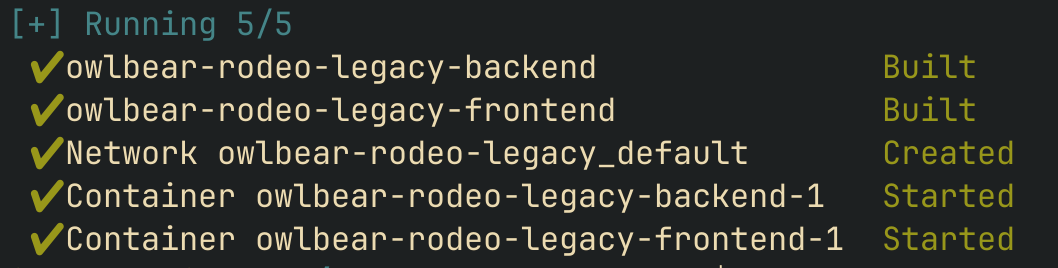
Because we’re actually building the container and all of the Javascript assets, this will take a few minutes. It’s no Discourse , but the README does say it’ll need 5GiB of RAM to complete the build. 10 minutes later and it’s started two containers for us:
Let’s add the two hostnames and ports to our Caddyfile so we can reach it from the outside:
vtt-be.easuan.ca {
    reverse_proxy 127.0.0.1:9000
}
vtt.easuan.ca {
    reverse_proxy 127.0.0.1:3000
}
(remember to reload Caddy with systemctl reload caddy).
Using it
Let’s visit our frontend URL (the vtt. one):
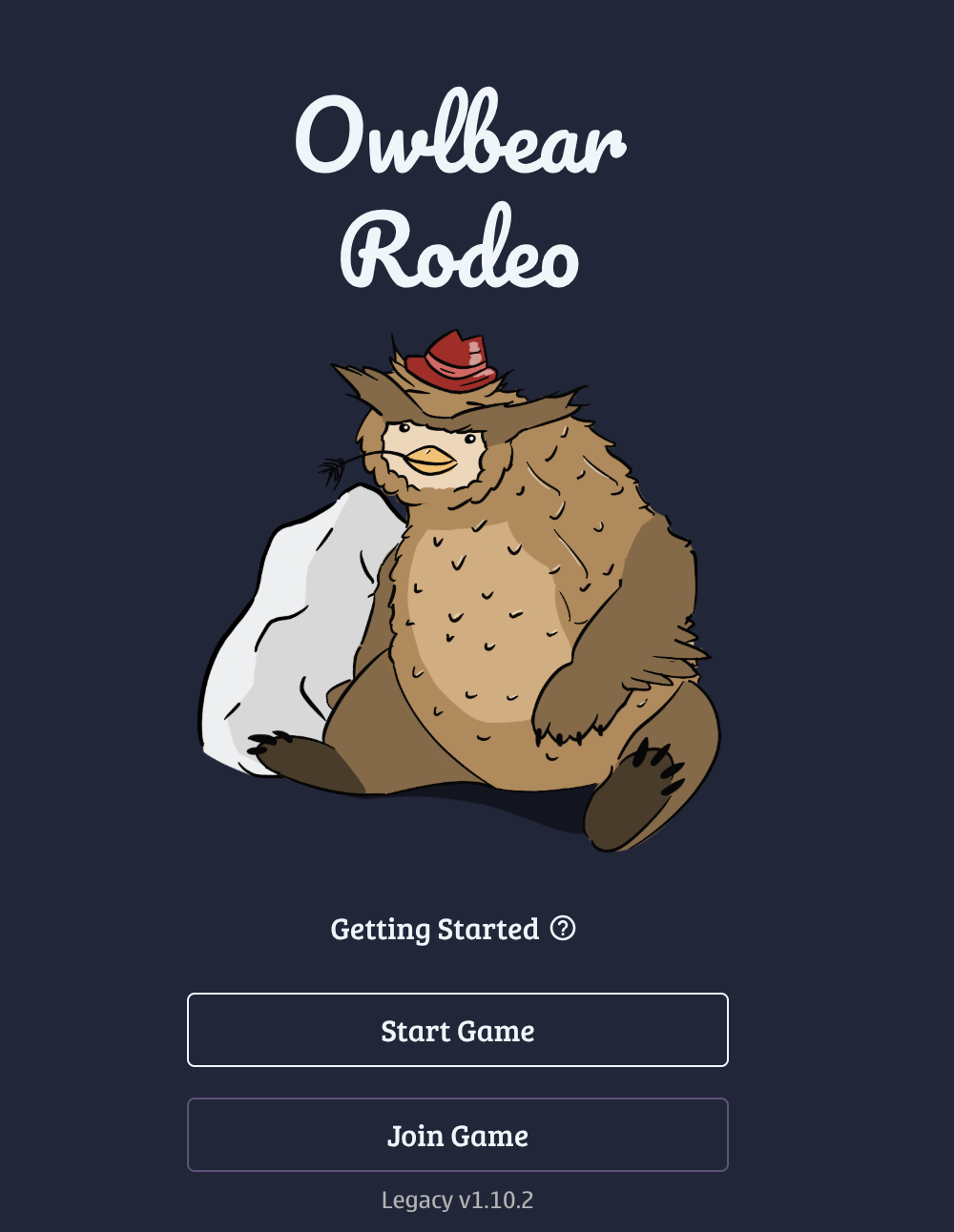
So, I guess that’s an owlbear. Neat. I’ll create a game and not require a password, and then I’m dumped into a big canvas, with a unique URL at the top (that I can share with other players):
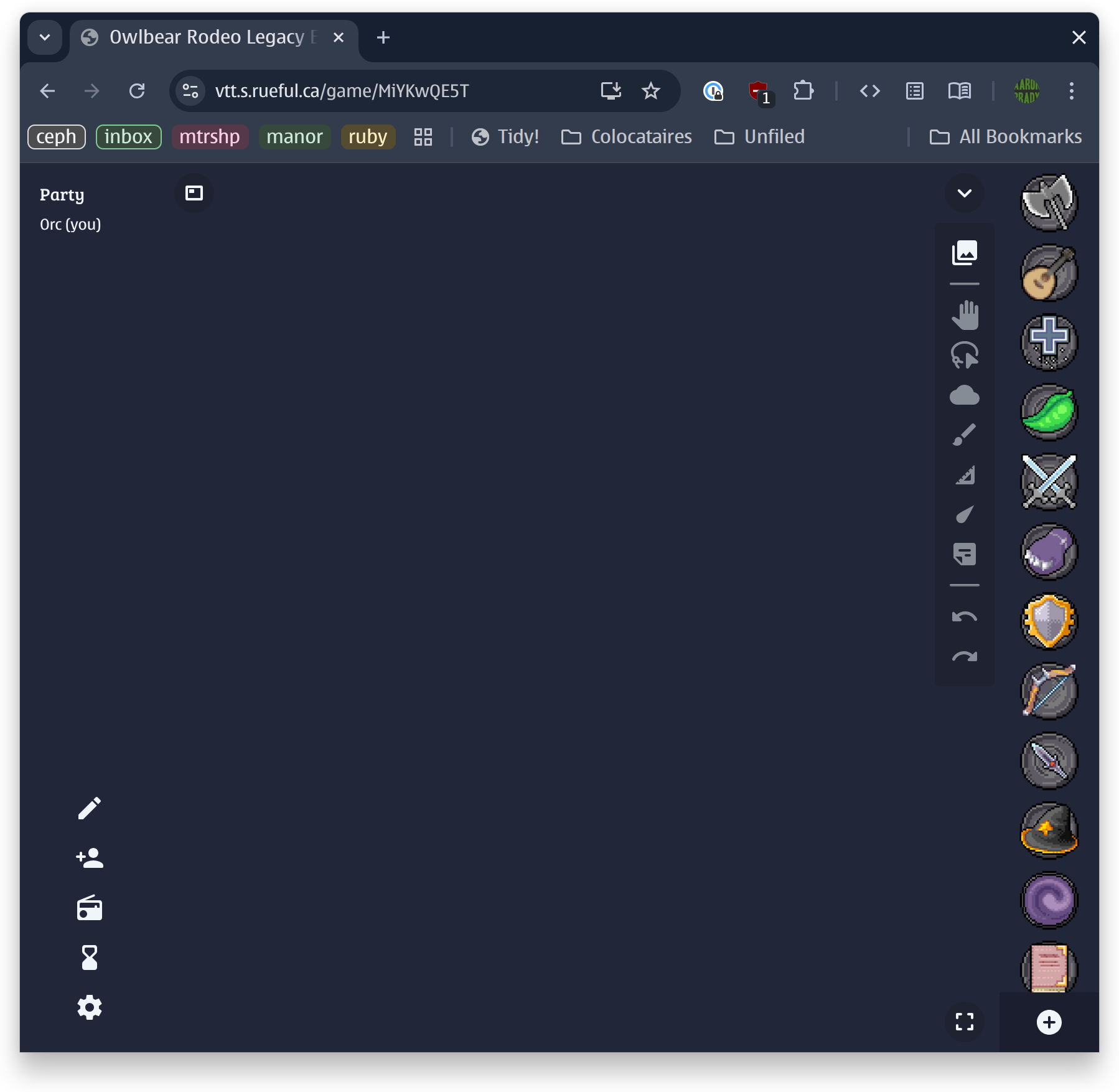
There’s no tutorial but I think it’s easy enough to figure out, especially if you’ve used any tools like Figma or Excalidraw. We can add a map
 (it comes with some generic ones, or you can upload one), and place some tokens on it, just like with a real tabletop:
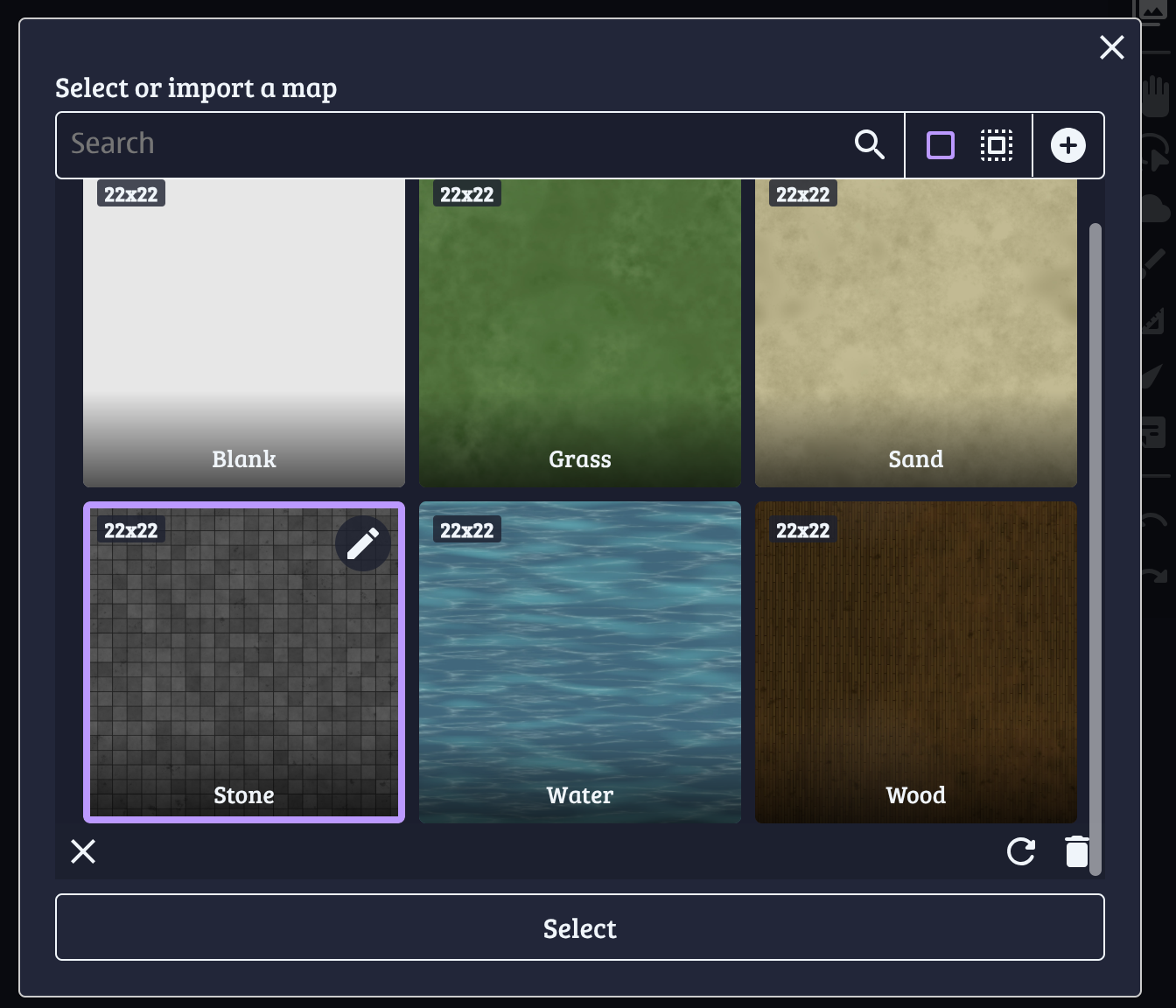
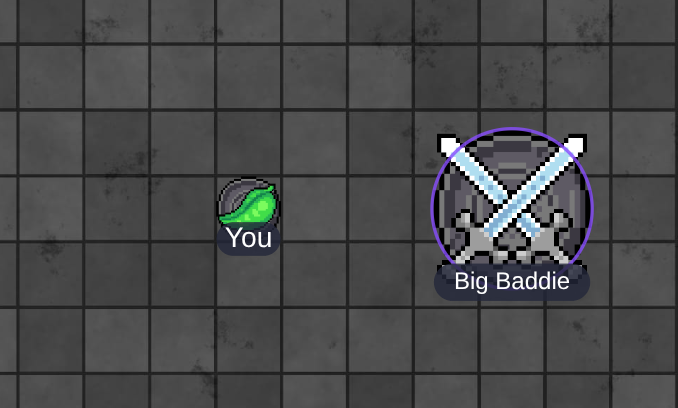
Dragging counters just works and snaps to the grid (or you can turn snapping off).
You can control the fog of war by drawing over parts of the map that you don’t want your players to see yet – then you can reveal them when they get close or when the plot of the game you’re running demands it:
Players and DM can draw on the map or use a laser pointer:
And most importantly you can roll dice and share (or not) your rolls with the rest of the group:
Those are some extremely pleasing realistic dice physics.
Conclusion

I’ve actually been part of a Mothership one-shot which used this (1.0) version of Owlbear Rodeo and it was great. This already has everything that you need to invite some friends to a voice call and have a good time. Hmm, maybe we should look at voice call software you can use to self-host?
As much as 1.0 is cool and you definitely should check it out, it’s hard not to also say that 2.0 looks awesome and you should check that out, too. Me, right now:
Thanks for reading, and follow along for future posts in #Self-hostember . You can now follow us on Mastodon to keep up to date with us as well!