Self-Hostember #5: ArchiveBox
Table of Contents
ℹ️ This post is part of a series , and it assumes that you’ve followed the instructions from Self-Hostember #0 first.
Archiving
First of all, in case you don’t know, web.archive.org has a browsable archive of much of the Internet going back to the turn of century. It’s genuinely one of the greatest public services on the Internet and I love that it exists. It’s legally a library and the people who keep it running are awesome.
For a few months I (Aaron) worked there, on their hosted archiving product Archive-It . After I left I immediately thought that more people should be running their own mini-archives – and much of IA’s stack is open and up on GitHub .
Approximately, their stack uses a crawler such as Brozzler (to drive a headless Chrome), yt-dlp, warcprox to MITM the Chrome’s traffic and store it in Web Archives
, a CDX to index URLs to WARC locations (OutbackCDX
from the National Library of Australia is a good option!) and pywb
for “playback” (i.e. providing a browsable interface on top of WARC files and a CDX index).
(The diversity of compatible tools in the web archiving world completely rocks, IMO).
I wanted to build my own version of what I used when I was at IA but I actually don’t need to because I very quickly found that an analog for everything I wanted is available in ArchiveBox .
Funding & License
ArchiveBox is supported by a US 501(c)(3) non-profit and solicits donations (as well as offering consulting services ). It’s MIT licensed.
Installation
We’ll follow the official quick start
, as in tradition. We’ll tweak it a little for our reverse proxy situation, and add an entry to our Caddy config in /etc/caddy/Caddyfile.
archivebox.easuan.ca {
    reverse_proxy 127.0.0.1:8000
}
systemctl reload caddy
mkdir -p ~/archivebox/data && cd ~/archivebox
curl -fsSL 'https://docker-compose.archivebox.io' > docker-compose.yml
sed -i 's/8000:8000/127.0.0.1:8000:8000/' docker-compose.yml
docker compose run archivebox init --setup
# ^ This will ask you to set an initial username and password.
# ^ It'll also download some fairly big Docker containers!
[√] Done. A new ArchiveBox collection was initialized (0 links).

[+] Creating new admin user for the Web UI...
Username (leave blank to use 'archivebox'): Email address:
Password:
Password (again):
Superuser created successfully.
And we’ll start the server, which will pull a few more Docker containers. This isn’t a small piece of software: web archiving has a lot of moving parts. (Took about 5 minutes for me).
docker compose up -d
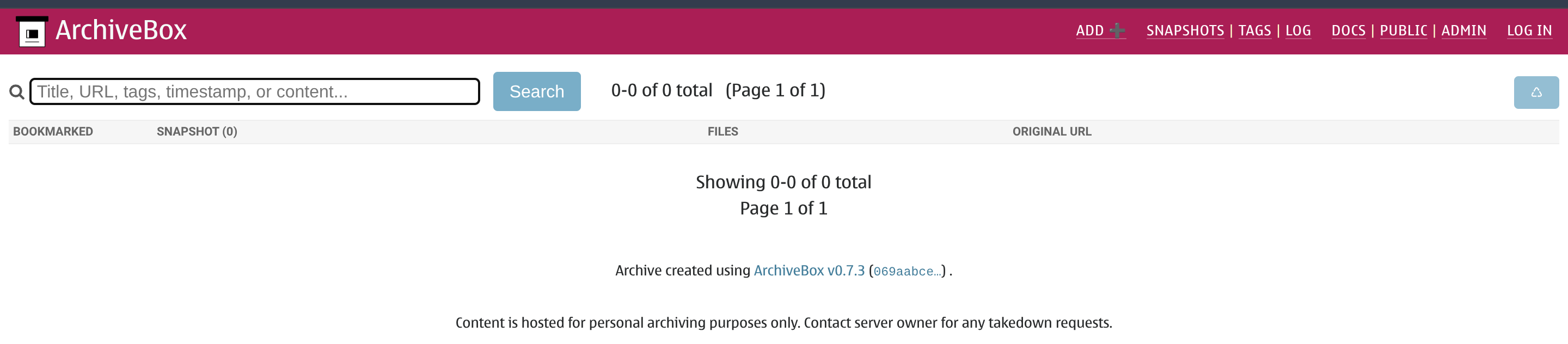
And we’re up. It’s sparse, but it’s quick:
Trying it out
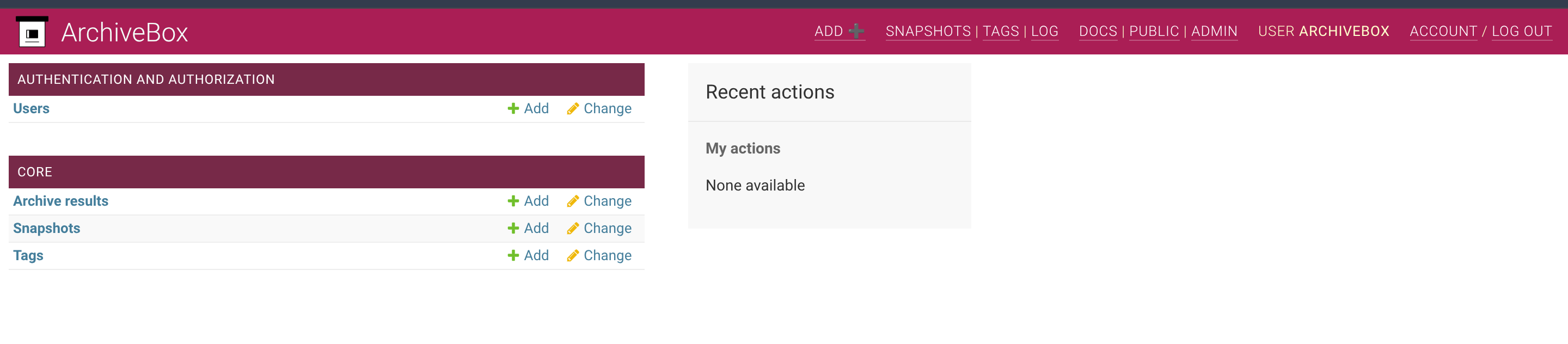
When we log in we get a lightly styled Django admin:
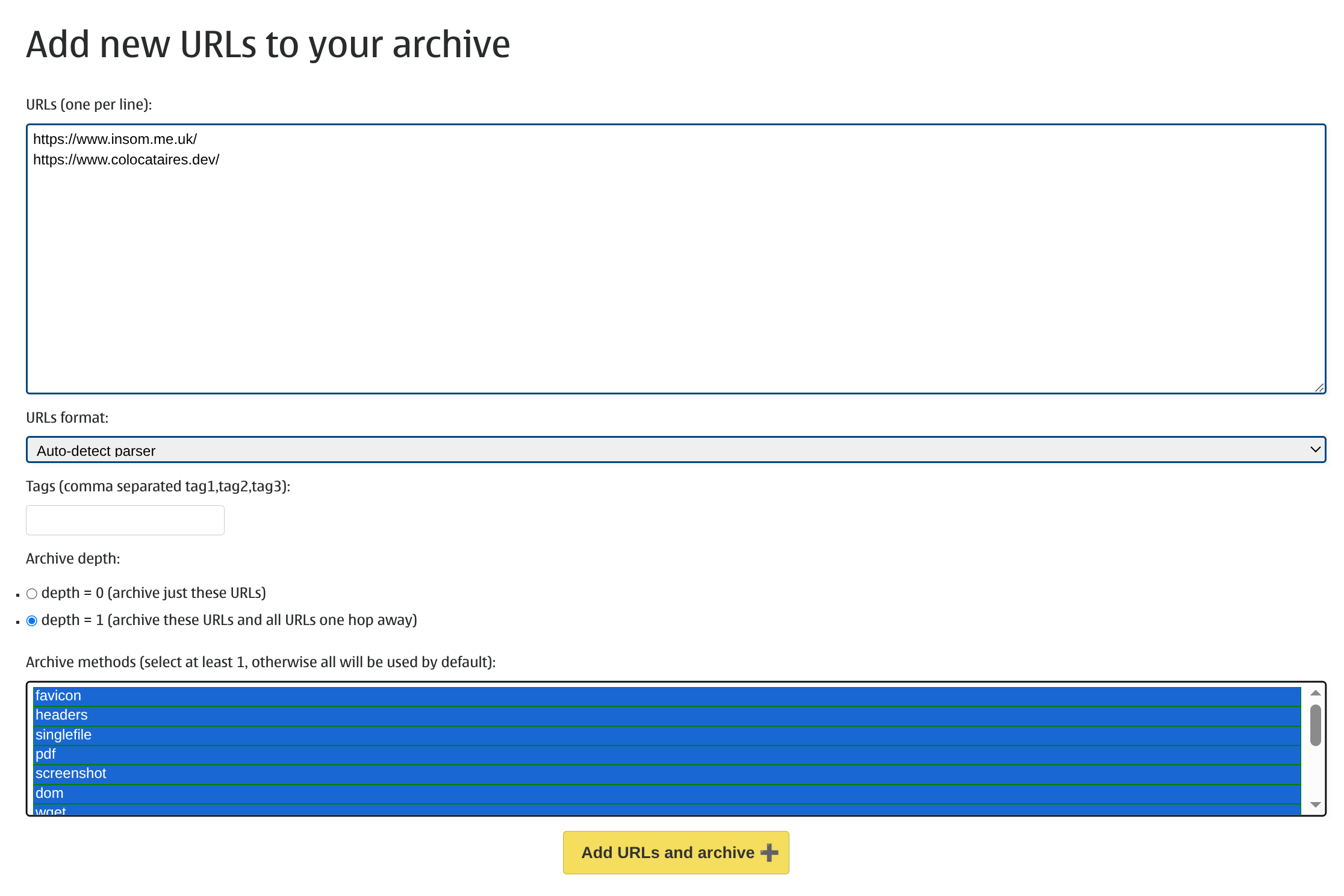
We can click on “ADD +” in the top bar to start archiving. I’ll add some URLs that I know I have permission to crawl and I’ll select every option because I don’t really know what I want:
Okay off to a bad start because I’ve accidentally crawled Slice.com (where I work) when I told it to crawl a depth of “1”:
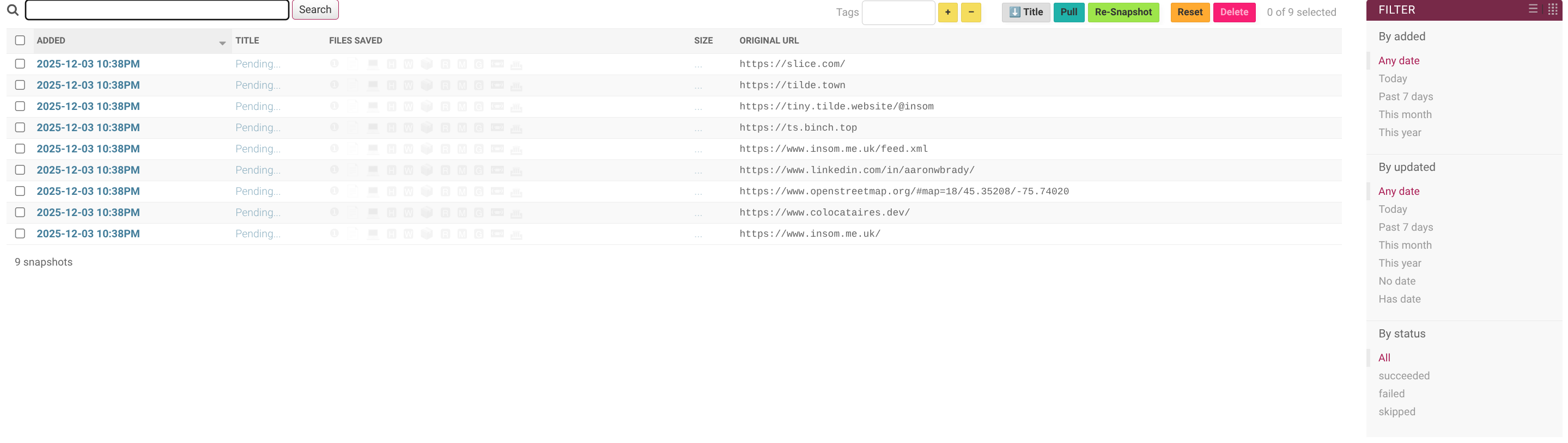
Anyway, let’s leave it. It take a few minutes to start filtering in – this is pretty normal, even for the paid services. Web crawling is a long game.

So now we can view a PDF archived printable version of the tilde.town homepage, a copy of the HTML and a screenshot exported from a headless Chrome.
Adding URLs one at time may not be to your taste. ArchiveBox supports lots of ways of loading URLs into the frontier to crawl: CLI, REST, a Python API and an desktop app. Probably the most useful is to install their browser extension so that you can archive easily as you browse.
Thanks
Thanks for reading this far, and follow along for future posts in #Self-hostember or follow us on Mastodon to keep up to date!