Self-Hostember #1: Immich
👋 This post is part of a series, and it assumes that you’ve followed the instructions from Self-Hostember #0 first.
Let’s install Immich.
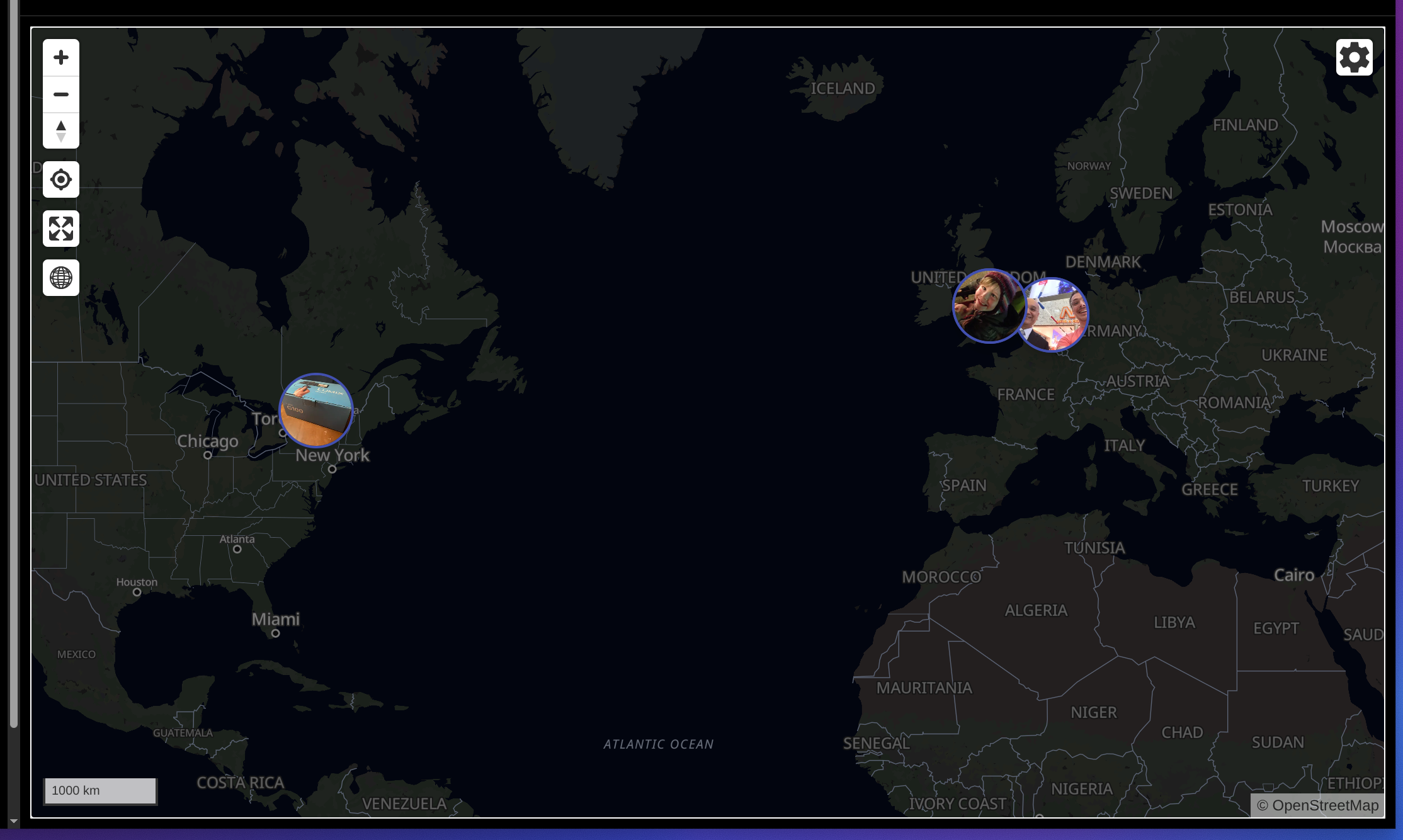
Immich is a self-hosted alternative to Google Photos or Apple Photos. It just had it’s 2.0 release and it features facial recognition (that stays on your server) and reverse geocoding (so you can view your photos on the map).
Before we try it out, I want to point out three things:
- Although it is available for free, you can also purchase it for US$25 . We should 100% normalize paying for free software if we want it to continue to exist.
- It’s a product of FUTO
, which believes in a future for software where we can own and host our own things.
Self Manageable Servers (if applicable) Servers should be Source First too. It should be relatively easy for a user to run their own server for whatever service their client software needs.
- It has a fantastic Cursed Knowledge page on its website.
It ships as a Docker container, so installing it should be easy.
We’ll grab the Dockerfile and example .env from the official install docs .
mkdir immich
cd immich
wget -O docker-compose.yml https://github.com/immich-app/immich/releases/latest/download/docker-compose.yml
wget -O .env https://github.com/immich-app/immich/releases/latest/download/example.env
Because we have a reverse proxy though, we don’t want to just listen on some hard-to-remember port, let’s tell Docker not to expose that port to the Internet and we’ll put it behind Caddy. Change the line in docker-compose.yml saying
    ports:
      - '2283:2283'
to
    ports:
      - '127.0.0.1:2283:2283'
And let’s add an entry to the end of /etc/caddy/Caddyfile for it:
immich.easuan.ca {
    reverse_proxy 127.0.0.1:2283
}
And then we’ll restart Caddy and bring up the Docker images:
systemctl restart caddy
docker compose up -d
Now, if your experience is like mine, nothing will work for quite some time while Immich does its initial configuration. I ran
insom@debian13:~/immich$ docker logs -f immich_server
Initializing Immich v2.2.3
Detected CPU Cores: 2
Starting api worker
Starting microservices worker
[Nest] 8  - 11/29/2025, 11:41:07 PM     LOG [Microservices:WebsocketRepository] Initialized websocket server
[Nest] 32  - 11/29/2025, 11:41:08 PM     LOG [Api:WebsocketRepository] Initialized websocket server
[Nest] 8  - 11/29/2025, 11:41:09 PM     LOG [Microservices:DatabaseRepository] Creating VectorChord extension
[Nest] 8  - 11/29/2025, 11:41:10 PM     LOG [Microservices:DatabaseRepository] Reindexing clip_index (This may take a while, do not restart)
[Nest] 8  - 11/29/2025, 11:41:10 PM     LOG [Microservices:DatabaseRepository] Reindexing face_index (This may take a while, do not restart)
[Nest] 8  - 11/29/2025, 11:41:10 PM    WARN [Microservices:DatabaseRepository] Table smart_search does not exist, skipping reindexing. This is only normal if this is a new Immich instance.
[Nest] 8  - 11/29/2025, 11:41:10 PM    WARN [Microservices:DatabaseRepository] Table face_search does not exist, skipping reindexing. This is only normal if this is a new Immich instance.
and it stuck there for minutes. One of the things that it will do at this step is download some reasonably large local models to be used for machine learning. This is, as far as I know, for the face recognition feature that lets you automatically categorize all photos with a certain person in them, without having to curate your albums especially.
After a few minutes I was able to create the initial user, and sign in:
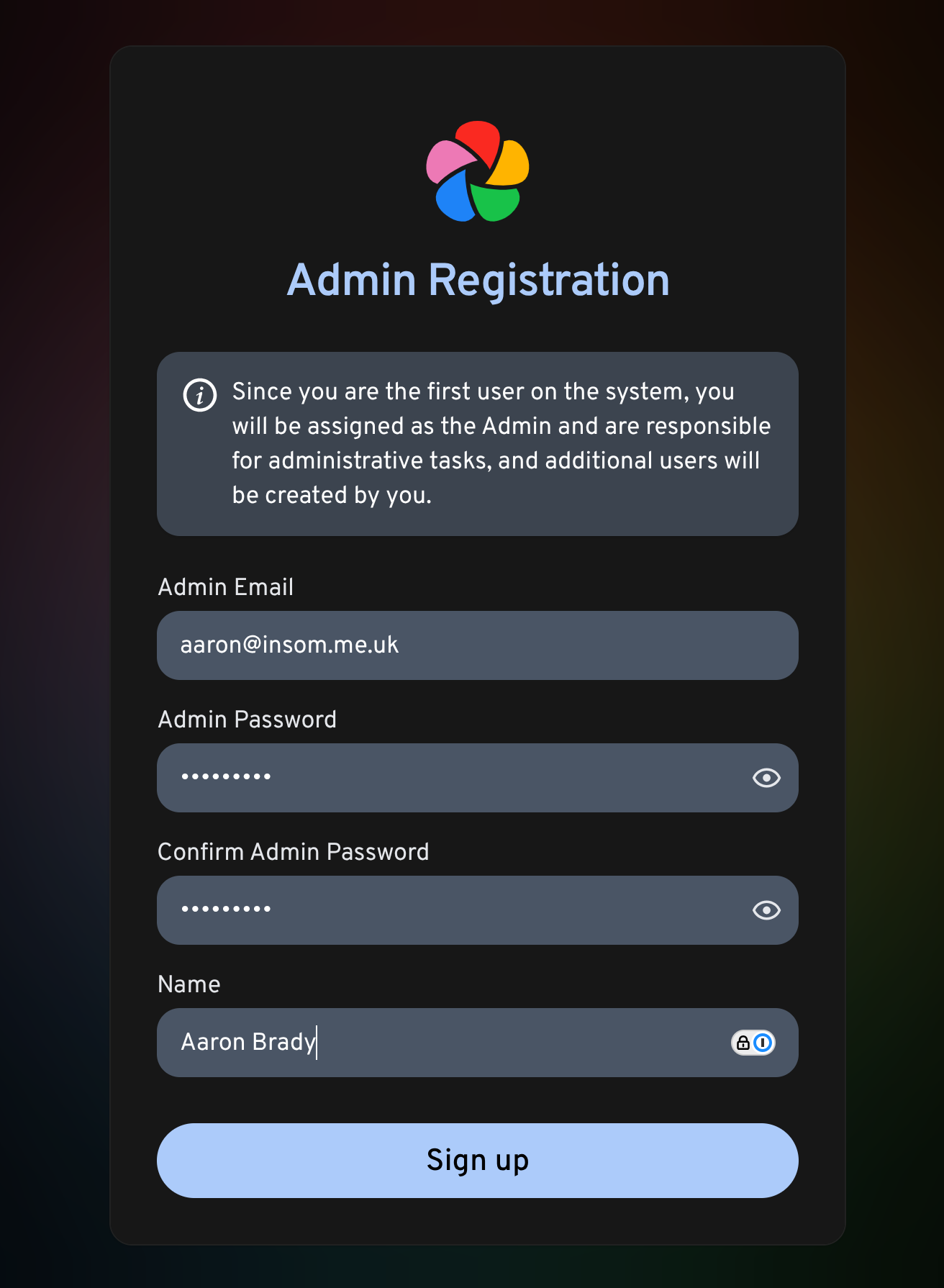
But I hit issue #24009 and the web application was crashing Chrome and Firefox when I attempted to use it:

For which the fix is just:
docker compose pull
docker compose up -d
to pull in later versions of the application.
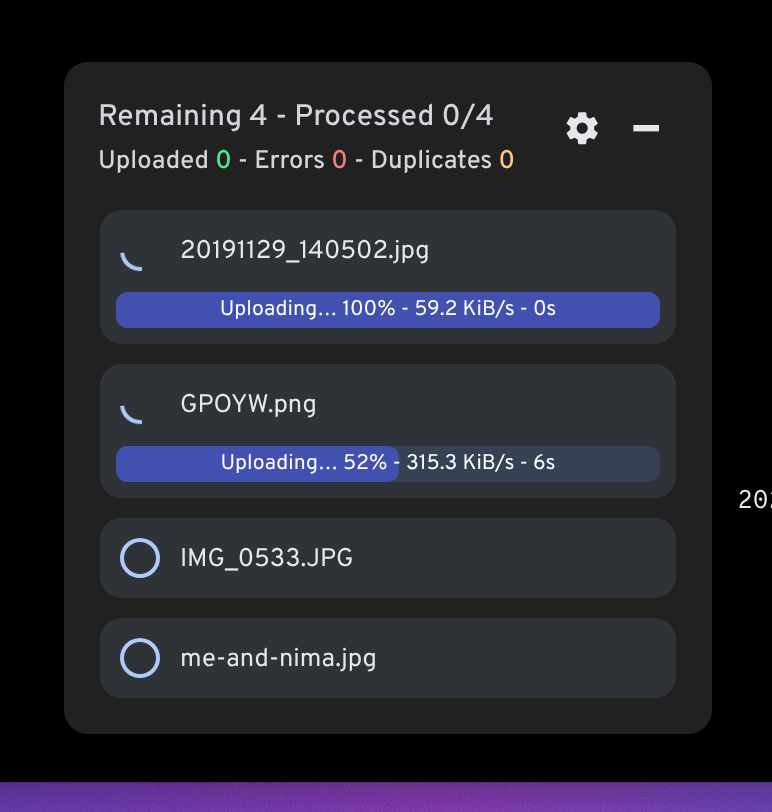
Now I can upload photos and wait for them process:
And then view them on the map, neat!
After a few more minutes of consuming CPU, I could hit the ‘Explore’ tab and see that the face recognition had done a pretty great job of picking me out of a random selection of family photos that I uploaded:
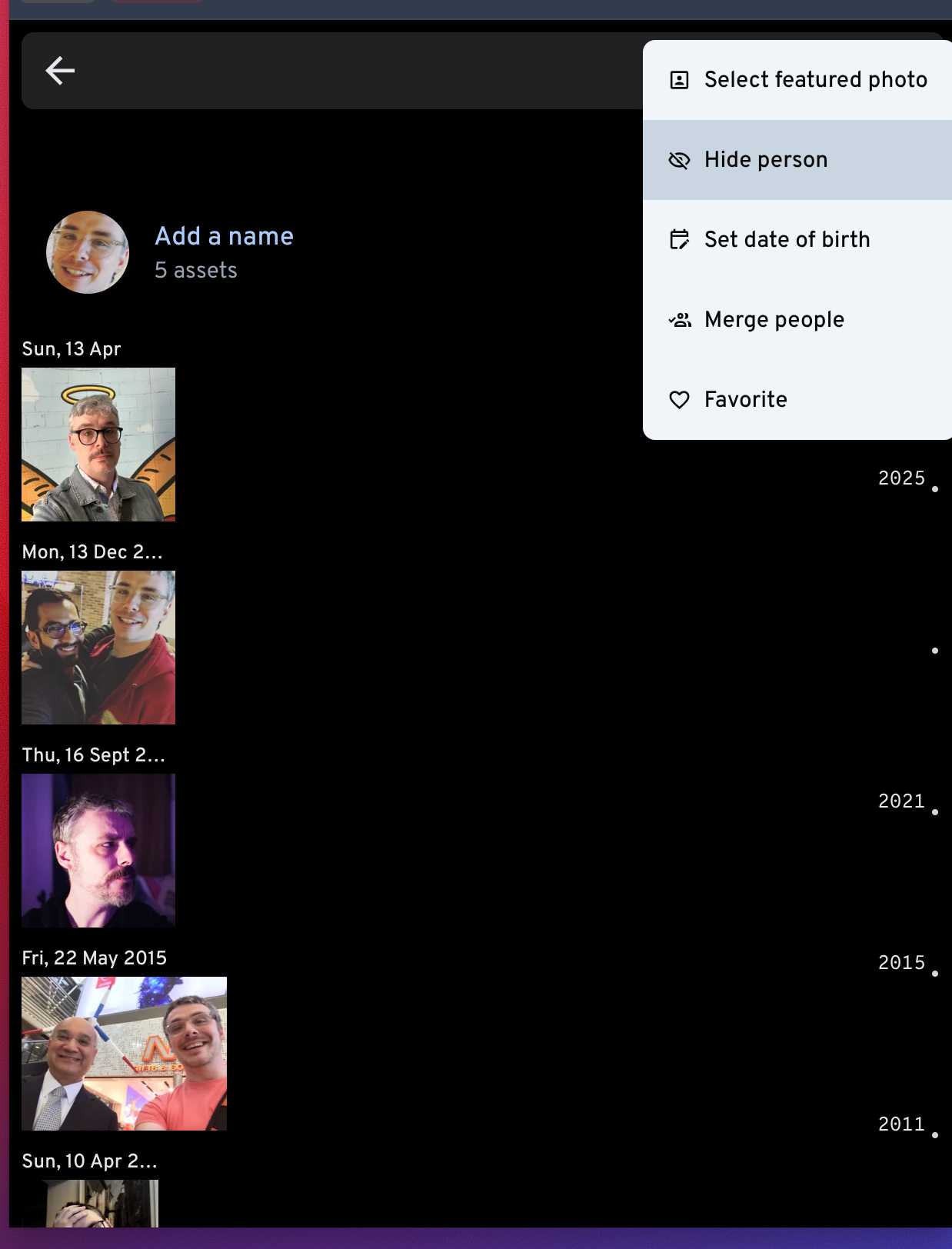
And had handy options for filling in more meta-data or hiding a person. If you fill in the date of birth, it’ll even tell you how old the person was when the photo was taken:

There’s also a native iOS and Android application, for the full “replacing Google Photos” experience. These applications self-report as not containing any tracking or data collection and so far there is no flagship Immich server (i.e.: you have to self-host to use it, there’s no centralized option).
That’s basically it. All in all, it’s a slick piece of software although I found it was quite CPU intensive, both the server component on my Colocataires VM and the frontend on my laptop.
Thanks for reading.
Follow along with future posts in the #Self-Hostember tag.